CONNECT CHARITABLE WITH AWEBER

Automate Fundraising and Email Campaigns With AWeber

Build stronger relationships with automated thank-you emails, donation receipts, and targeted campaigns based on giving history. Your donors stay engaged and connected to your mission.


Aweber integration feature

Pro

May 14, 2026

Marketing

Automated Donor Communication Made Simple

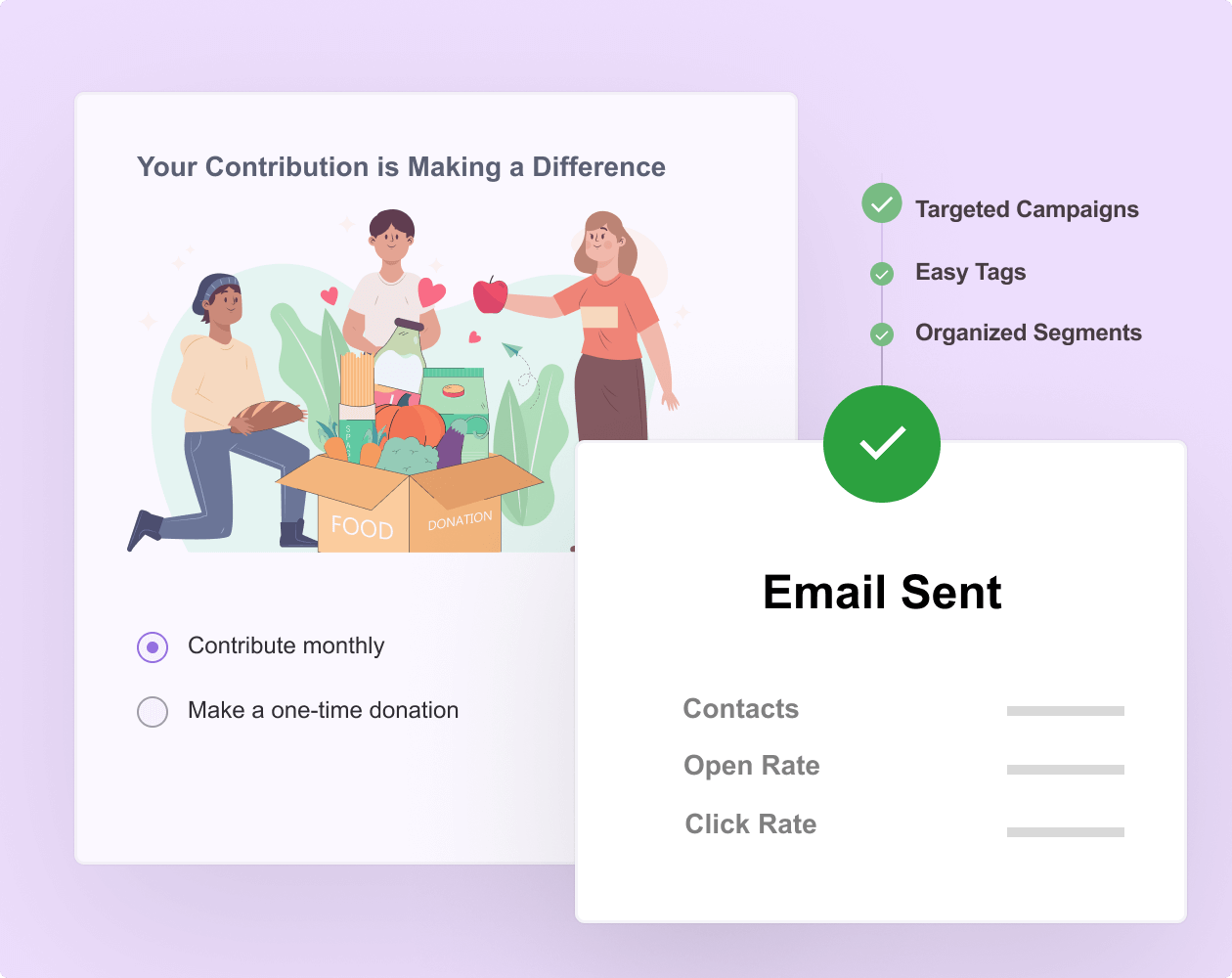
Sync your email marketing platform to your fundraising campaigns. Every time someone donates, use automation recipes to add the donor to your email lists. No more manual exports, CSV uploads, or missing donor data.

Similar Extensions

What You Can Do with Charitable + MailerLite

Automatic donor sign-ups
Targeted communication
Donation receipts

Raise funds faster and with less stress

Join over 10,000+ non-profits that are raising funds faster.
Why You’ll Love Charitable + AWeber
Code-Free Setup

Connect AWeber to Charitable in Minutes

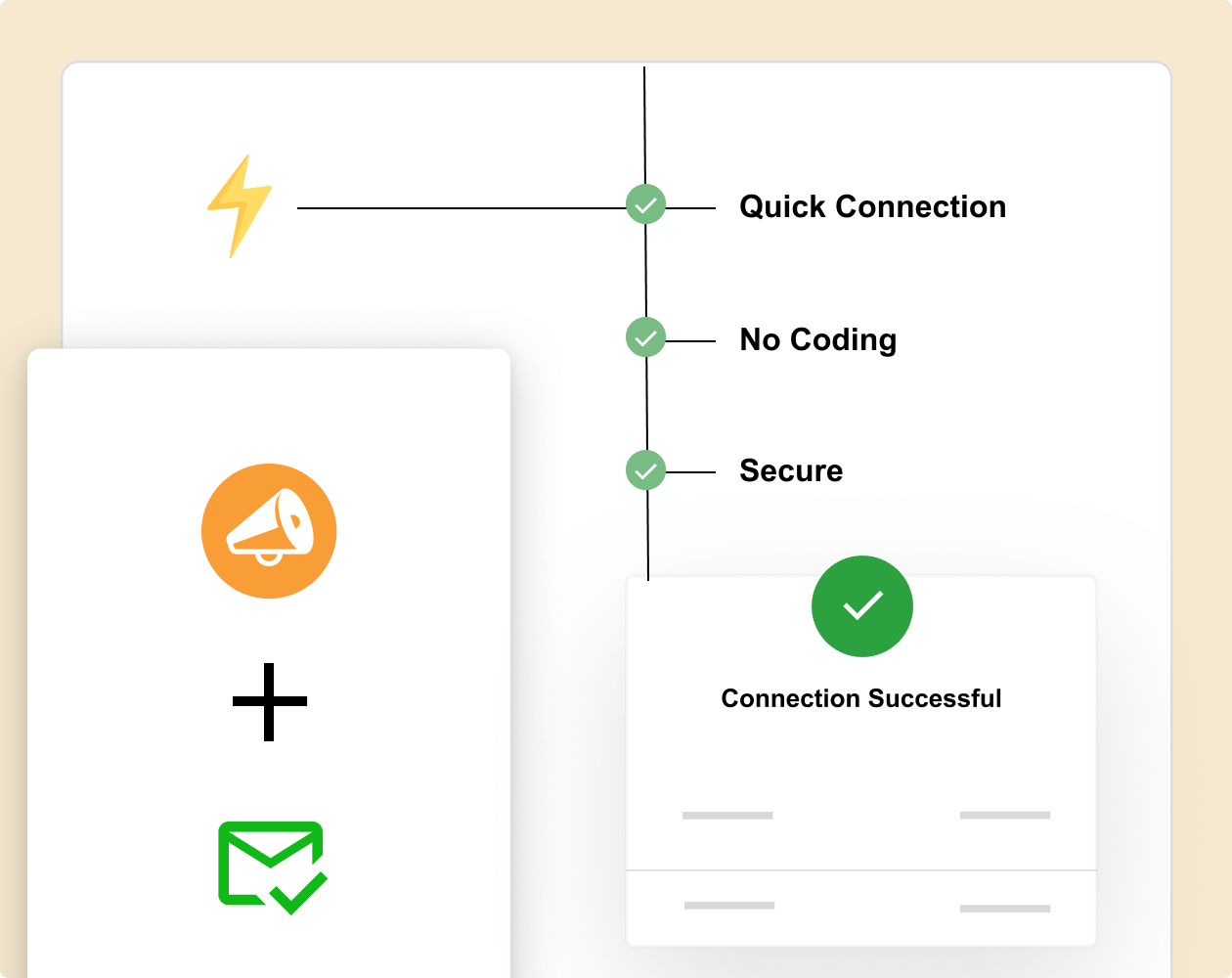
Charitable allows you to connect to AWeber through the Automation Connect add-on. No coding needed.

Simply sync up your AWeber and Charitable account and you can get started with automating email marketing.

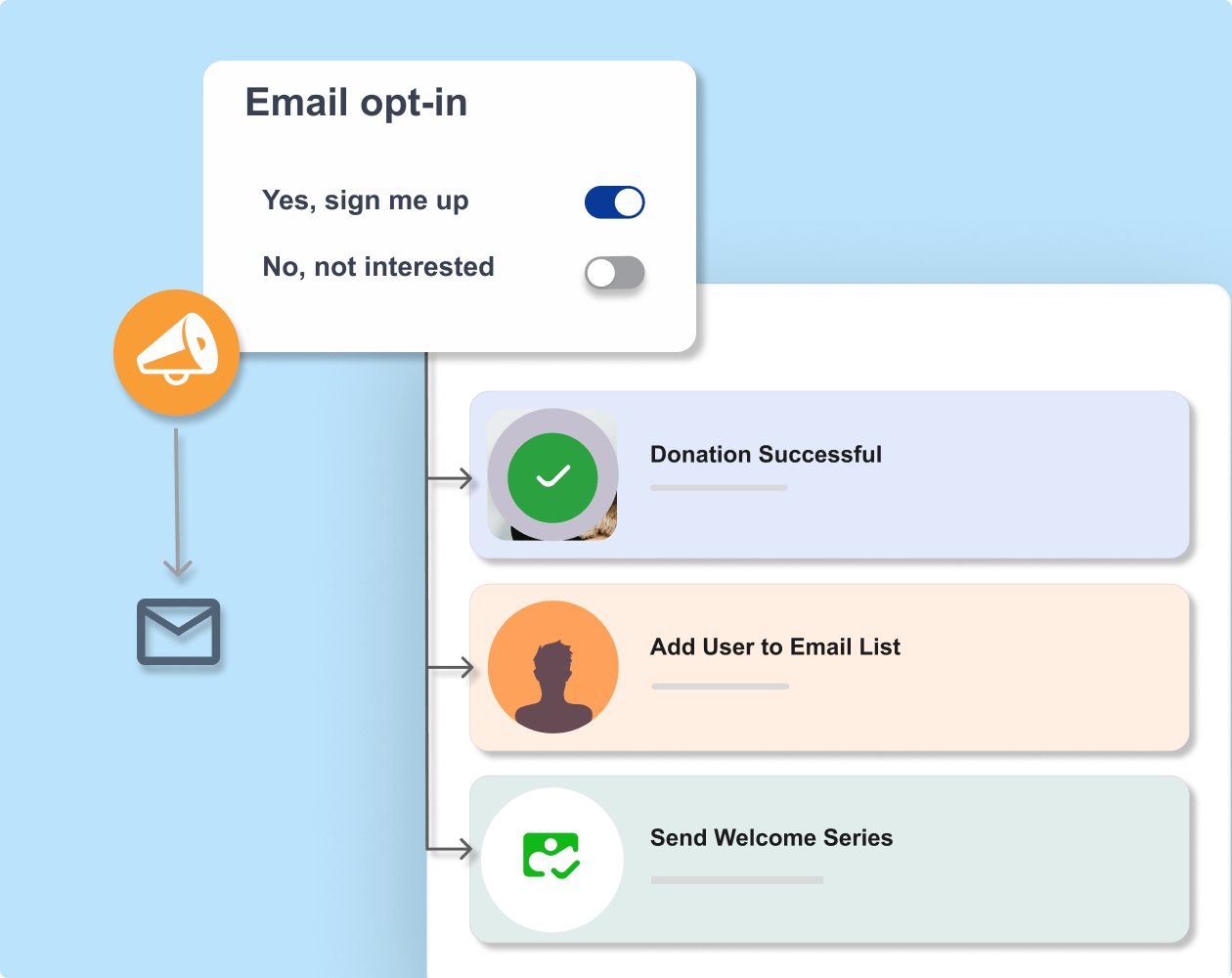
You can trigger workflows when donors take certain actions. For instance, when a donor contributes, you can add a tag, add their data to an email list, and start a welcome series.

Zero manual data entry

Automatic segmentation

Test before launching

Charitable newsletter connect
Donation email optin feature

Intelligent Donor Tagging

Automatically Identify and Nurture Major Donor Prospects

Segment and tag your contacts so that your list stays organized. You can trigger email series to different donors.

Plus, you can map fields from your Charitable donation forms to custom fields in your email provider.

Donation amount, campaign name, donor phone number, and custom form fields all transfer automatically.

Map unlimited custom fields

Triggered email journeys

Zero manual tagging required

Per-Campaign Customization

Give Donors the Right Choice at the Right Time

Control exactly how donors subscribe to your email list. Choose between an opt-in checkbox that is checked by default or unchecked by default — whatever best fits your audience and compliance needs.

Customize the checkbox label that donors see directly on the donation form, so your messaging feels natural and on-brand.

You can set global defaults that apply across all campaigns, then override them on a per-campaign basis. A peer-to-peer campaign might use different wording or a different opt-in state than your standard donation form.

Unique settings per campaign

Multiple list subscriptions

Override defaults when needed

tags and segments feature

Ready to Sync Your Fundraising to Email Marketing?

Get started with Charitable Pro today and build smart workflows with AWeber. We’re so confident you’ll love it that we back every purchase with our 14-day money-back guarantee – giving you the freedom to explore risk-free.

Tutorial

Charitable AWeber integration

Learn how to easily integrate AWeber with Charitable. No coding, just simple step-by-step instructions to help you connect to email marketing and start automatically segmenting, tagging, and adding donors to your email lists.

Charitable and AWeber Integration –
Frequently Asked Questions

Do you have a question about connecting AWeber with Charitable? See the list below for our most frequently asked questions. If your question is not listed here, please contact us.

Explore More Features

Peer to Peer Donations

Peer-to-Peer Fundraising

Empower supporters to fundraise on your behalf.

Expand your reach through supporter networks 

Keep 100% of donations with zero platform fees

Track campaign progress with detailed reports

Donor Management

Donation Forms

Launch powerful donation campaigns in minutes.

Ready to use templates

Drag and drop visual builder

Dynamic elements to inspire giving

Recurring Donations

Convert one-time donors into loyal, long-term supporters.

Enable automated recurring payments with ease

Provide donor accounts for seamless contribution management

Offer flexible donation frequencies to suit individual preferences

Frequently Asked Questions

See the list below for our most frequently asked questions. If your question is not listed here, please contact us.

Get the Best WordPress Fundraising Plugin Today

Join 10,000+ smart website owners who trust Charitable for their donation websites.

What's New In Charitable

View The Latest Updates
🔔 Subscribe to get our latest updates
📧 Subscribe to Emails

Email Subscription

Join our Newsletter

We won’t spam you. We only send an email when we think it will genuinely help you. Unsubscribe at any time!

automation Improvement

🔌 Charitable Meets Zapier: Connect to 7,000+ Apps and Automate Your Fundraising

Tired of manually copying donation data into accounting sheets or tracking down new donor signups? Put your administrative tasks on autopilot. Charitable is now officially on Zapier, giving you a powerful, no-code way to plug your fundraising directly into the rest of your favorite tools.

Every donation, donor signup, and campaign milestone can now trigger an automated workflow seamlessly.

What’s New:

♾️ Connect to 7,000+ Apps: Bridge your Charitable campaigns with everyday software like Google Sheets, QuickBooks, Slack, Mailchimp, HubSpot, Notion, Airtable, and thousands more.

⚡ 12 Powerful Triggers: Build deep workflows using smart automation triggers covering the entire donation lifecycle—including New Donation, New Donor, Subscription Cancelled, and Campaign Goal Reached.

📋 Pre-Built Action Templates: Get started in three minutes or less with our pre-made template combinations, like automatically logging new donations straight into a Google Sheet or firing custom donor welcome emails through Gmail.

🚫 Zero Code Needed: No complex webhooks or custom PHP scripts required. Just pick your trigger, choose your app, map your fields, and let Zapier handle the heavy lifting.

Ready to save hours of admin time? Grab Charitable Pro with the Automation Connect addon today and launch your first Zap!

Improvement Payments

🚀 Introducing PayPal Commerce: One Connection, Six Ways to Donate

Donors expect modern, flexible payment options when they support a cause. If they don’t see their preferred method on your donation form, they often disappear without a word. With PayPal Commerce, we are bringing a completely modernized checkout experience right to your campaigns.

Enjoy a single integration that upgrades your forms, makes giving seamless, and helps you capture every single donation.

What’s New:

🔌 One-Click Connection: Skip messy API keys and developer docs. Simply click “Connect with PayPal,” sign in to your business account, and your modern form is live in under five minutes.

💳 Six Ways to Give: Give your supporters instant access to PayPal balance, Venmo (US), Pay Later financing, major credit/debit cards, Apple Pay (Safari), and Google Pay (Chrome) all from the exact same form.

🔄 Flexible Recurring Giving: Fully supports monthly giving. Choose between the PayPal Subscriptions API (handled automatically on PayPal’s end) or Vault + Cron (handled securely right on your site).

💬 Friendly Error Recovery: No more confusing browser alerts. If a payment is declined, donors see plain-language, inline messages that guide them on how to fix the issue and complete their gift.

Ready for PayPal, modernized? Update to Charitable Pro 1.8.15+ (or Charitable Lite 1.8.11+) and connect your account today!

Campaigns New

⏳ Campaign Countdown: Drive Urgency and Lift Donations

Urgency is one of the most powerful tools in fundraising! Meet Campaign Countdown—a live, real-time timer built to turn procrastination into immediate generosity.

campaign_countdown_animation

What’s New:

⏱️ Live, Real-Time Urgency: Beautifully track days, hours, minutes, and seconds down to your campaign’s deadline w/ live-updating visual countdowns.

🎨 Tailored to Your Look: Choose between Boxed bordered tiles or a clean, single-line Inline display. Match your theme instantly with font and deep color controls.

🛠️ Place it Anywhere: Drop the countdown anywhere you like using the Campaign Builder field, a dedicated Gutenberg block, or a simple shortcode.

🚨 Smart Expiry Actions: Total control over the end state—choose to automatically replace the timer with a custom message, freeze it at zero, and more.

Improvement Migrations

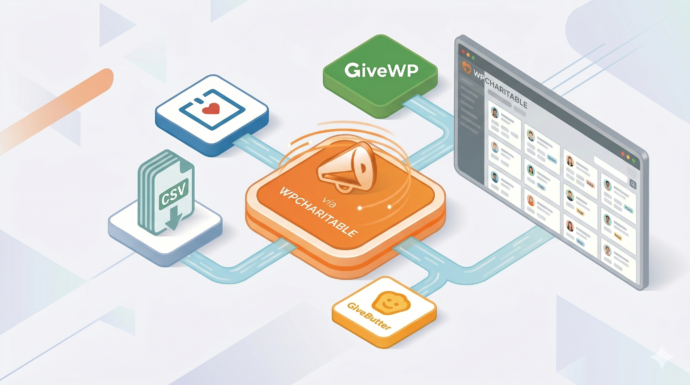
↔️ Importing From GiveWP, Donorbox, GiveButter… even CSV!

Whether you’re migrating from another platform or consolidating your records, moving your data to Charitable is now faster and more flexible than ever. We’ve streamlined the process so you can bring over your entire fundraising history in just a few clicks.

🔄 Native GiveWP, Donorbox, & GiveButter Support: Switching from a major platform? Our dedicated migration tools handle the heavy lifting, automatically mapping your donors and donations directly into Charitable—no technical skills required.

📂 Universal CSV Import: Moving from a custom system or a specialized CRM? If you can export it to a CSV, you can import it here. Our smart mapping tool lets you align your columns to Charitable fields like names, emails, phone numbers, and addresses in seconds.

Instant Donor Profiles & Custom Tags: Automatically create rich donor profiles and bring in custom tags to keep your data organized. Segment and engage your supporters from day one with a clean, professional database structure.


Ready to make the switch?

Check out our GiveWP Migration Guide

Learn more about our Import Tools

Improvement Payments

💳 New Braintree Features For Your European Donors

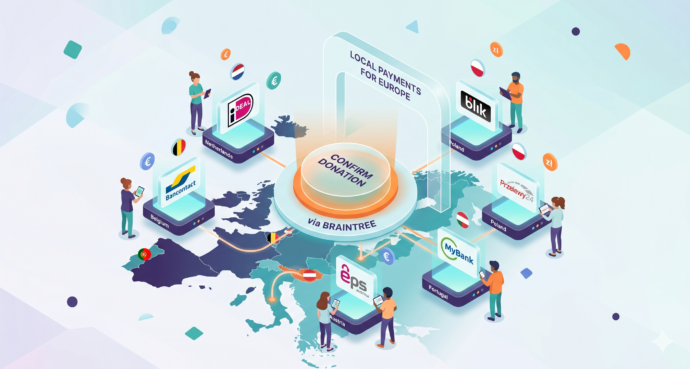
With the release of Braintree addon version 1.3.0, you can now empower your European donors with the payment methods they trust and prefer, making giving seamless for international supporters.

🌍 Six New European Payment Methods: Support popular local options like iDEAL (Netherlands), Bancontact (Belgium), BLIK (Poland), and more to meet donors where they are.

⚡ Frictionless Donor Experience: These bank-based methods allow donors to authenticate directly with their own bank in a secure popup… no credit card numbers required.

⚙️ Automatic Currency Sync: No complex setup needed. The builder automatically displays the correct payment buttons based on your site’s currency (EUR or PLN), ensuring a relevant experience for every visitor.